Backups
Keep backups of irreplaceable files. Cleanup tools reduce clutter; they do not replace a backup strategy.
Total Cleaner scans supported areas of a device, presents cleanup or optimization findings, lets users review the recommended actions, and then applies the selected maintenance tasks.
Total Cleaner works by scanning supported categories such as temporary files, caches, startup items, storage usage, and other maintainable areas. After the scan, users review the suggested actions and choose what to clean or optimize. Some plans and platforms also support scheduled or automated maintenance.
Use the current product destination to confirm compatibility and access the supported version for your device. Avoid assuming that a Windows download, mobile app, or APK has identical features.
Complete the installation and use your account credentials if the selected plan requires authentication to unlock premium features.
Choose the cleanup or optimization area you want to review. The application analyzes categories supported on that platform.
Check the selected files, startup items, or maintenance recommendations before applying changes. Important documents and system-sensitive items deserve extra attention.
Proceed with the cleanup or optimization tasks you understand. Permanent deletion features should be used carefully because recovery may not be possible.
Where available, scheduled maintenance can help prevent clutter from accumulating. Periodically review settings rather than assuming automation should run unchanged forever.
Keep backups of irreplaceable files. Cleanup tools reduce clutter; they do not replace a backup strategy.
Review categories before deletion, especially downloads, browser data, registry-related actions, or files you may need later.
Confirm the feature you want is available on your operating system and current app version.
| Device | Typical focus | Important consideration |
|---|---|---|
| Windows PC | Junk cleanup, startup, memory, deeper optimization tools | Some Windows tools can make system-level changes; review selections carefully. |
| macOS | Cleaner functionality provided within the TotalAV app | Do not assume Windows-only features are included. |
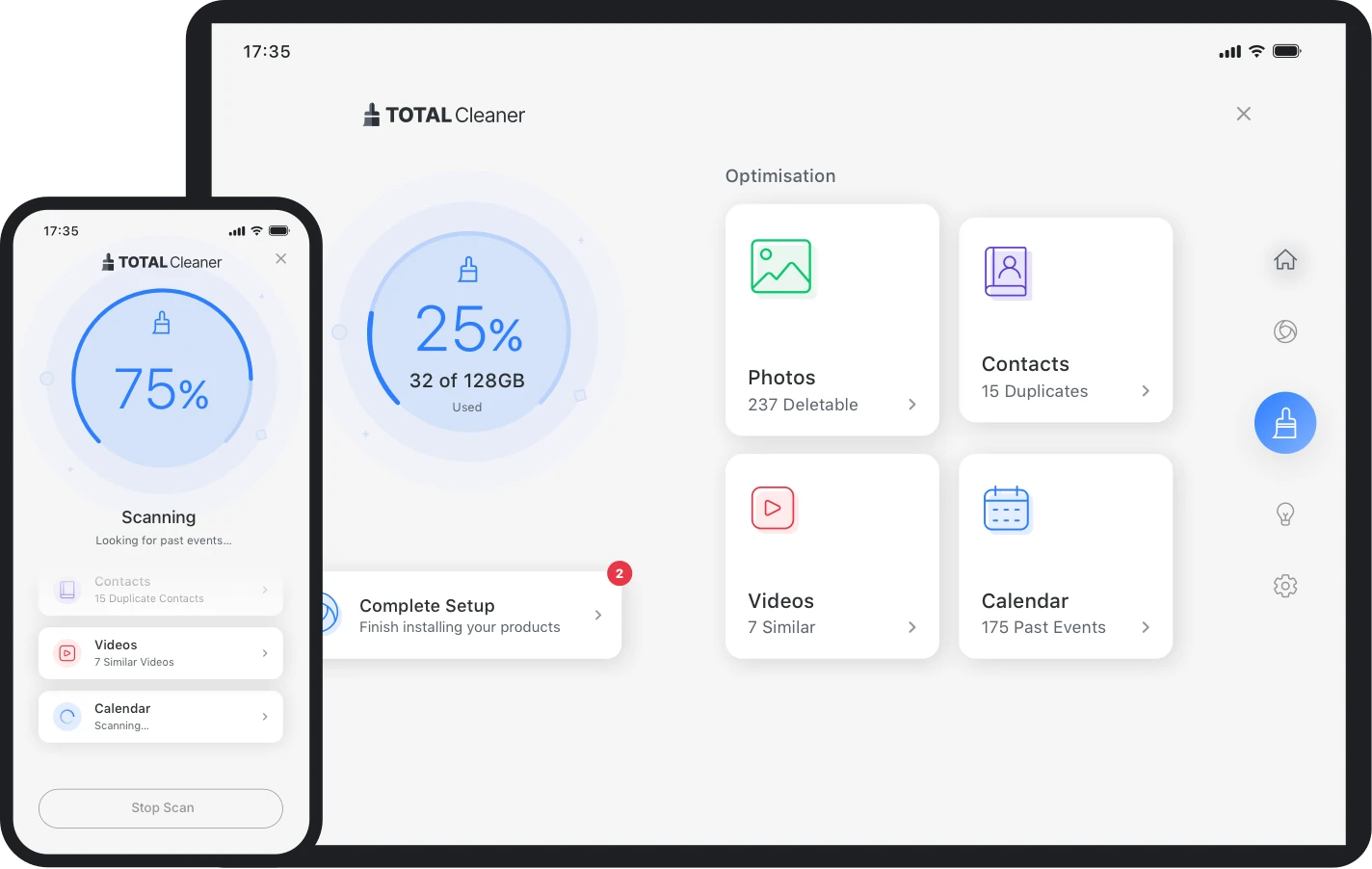
| iPhone/iPad | Storage and organization tasks | Review photos, contacts, and calendar items before removing duplicates. |
| Android | Storage cleanup and organization | Prefer an official app source over unverified APK download sites. |