Independent information site. Review current product terms before purchase. Read disclosure
Features

Total Cleaner features explained

Explore the major cleanup, performance, storage, and maintenance functions associated with Total Cleaner. Availability varies by device, operating system, version, and plan.

Quick answer: what features does Total Cleaner provide?

Total Cleaner combines cleanup and optimization tools such as DeepClean, automated maintenance, startup and memory utilities, temporary internet file cleanup, file-management functions, and mobile storage tools. Windows has the broadest feature set; mobile features focus more on organization and storage cleanup.

01

Performance Optimisation

Fine-tunes supported system settings and helps reduce performance-draining clutter.

Key benefit

A more organized maintenance workflow.

Practical use case

Use it when routine buildup or background activity may be contributing to sluggish behavior.

Why it matters

Performance issues have many causes; a guided optimization pass can help surface maintainable ones.

02

ActiveCare

Automated scans and fixes can run during idle periods when the feature is available.

Key benefit

Less manual maintenance.

Practical use case

Enable scheduled maintenance after reviewing what the feature is allowed to change.

Why it matters

Consistency can be more useful than waiting for clutter to become noticeable.

03

DeepClean

A Windows-focused feature that can remove junk files, broken shortcuts, and hidden cache.

Key benefit

Reclaim storage occupied by unnecessary data.

Practical use case

Use it before large updates or when storage is tight, but review results first.

Why it matters

Caches and temporary files are common sources of storage buildup.

04

LiveBoost

Optimizes how supported Windows systems use CPU and memory resources.

Key benefit

Supports responsiveness during active use.

Practical use case

Helpful when many applications compete for resources, subject to device limits.

Why it matters

Resource management can affect how responsive multitasking feels.

05

Startup Optimiser & Memory Mechanic

Tools for reviewing startup behavior and memory use.

Key benefit

Reduce unnecessary startup load.

Practical use case

Review programs that launch automatically and keep only what you need.

Why it matters

Too many startup apps can increase boot time and background resource use.

06

Registry & Internet File Cleanup

Windows tools for supported registry issues and temporary internet files.

Key benefit

Consolidates common cleanup tasks.

Practical use case

Run after reviewing restore/backup practices and the items selected for cleanup.

Why it matters

System-level changes deserve more care than deleting ordinary temporary files.

07

File Recovery & Secure Deletion

Tools are available for recovering certain lost files or permanently deleting selected files on supported Windows systems.

Key benefit

Adds both recovery and privacy-oriented file handling options.

Practical use case

Use recovery promptly after accidental deletion; use permanent deletion only when you are sure.

Why it matters

Permanent deletion can be irreversible, so confirmation matters.

08

Mobile Storage Cleanup

Mobile tools can identify duplicate photos, junk files, duplicate contacts, and outdated calendar items.

Key benefit

Helps organize phone storage.

Practical use case

Review large or duplicate media before deleting it from your mobile device.

Why it matters

Photos and cached content can consume storage quickly.

Feature availability

Not every tool exists on every platform

Current product information states that DeepClean, LiveBoost, Incinerator, and Registry Repair are Windows desktop features. Mobile versions include storage-cleanup functions, while macOS functionality is provided within the TotalAV app.

Before downloading or paying for a plan, verify that the specific feature you want is supported on your operating system.
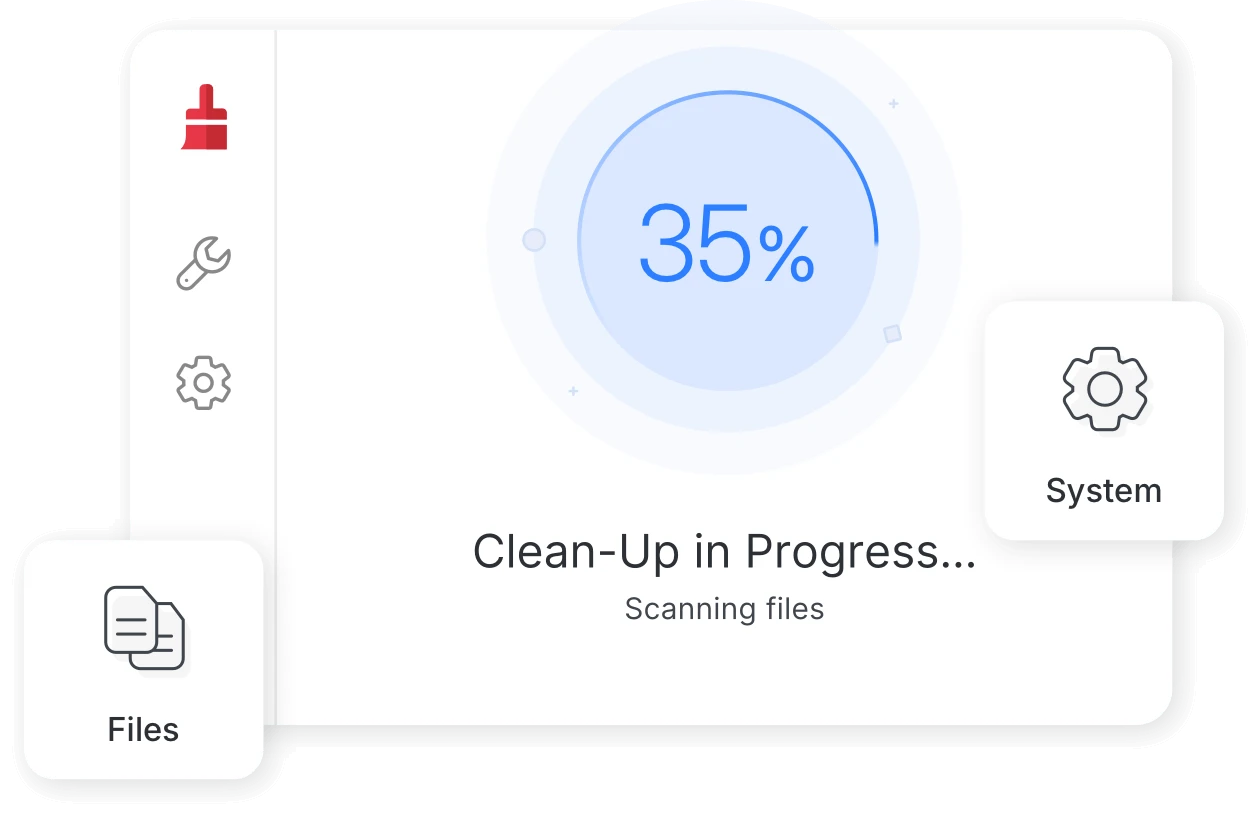
Total Cleaner scan and cleanup progress on desktop

Ready to review Total Cleaner?

Check current plans, compatibility, terms, and availability on the destination website before proceeding.

See Current Offer