01
Reduce digital clutter
Scan for junk files, temporary data, broken shortcuts, caches, and other removable items supported by your platform.
Total Cleaner is a cleanup and optimization product for desktop and mobile devices. It provides tools for removing unnecessary files, managing storage, and supporting routine performance maintenance.
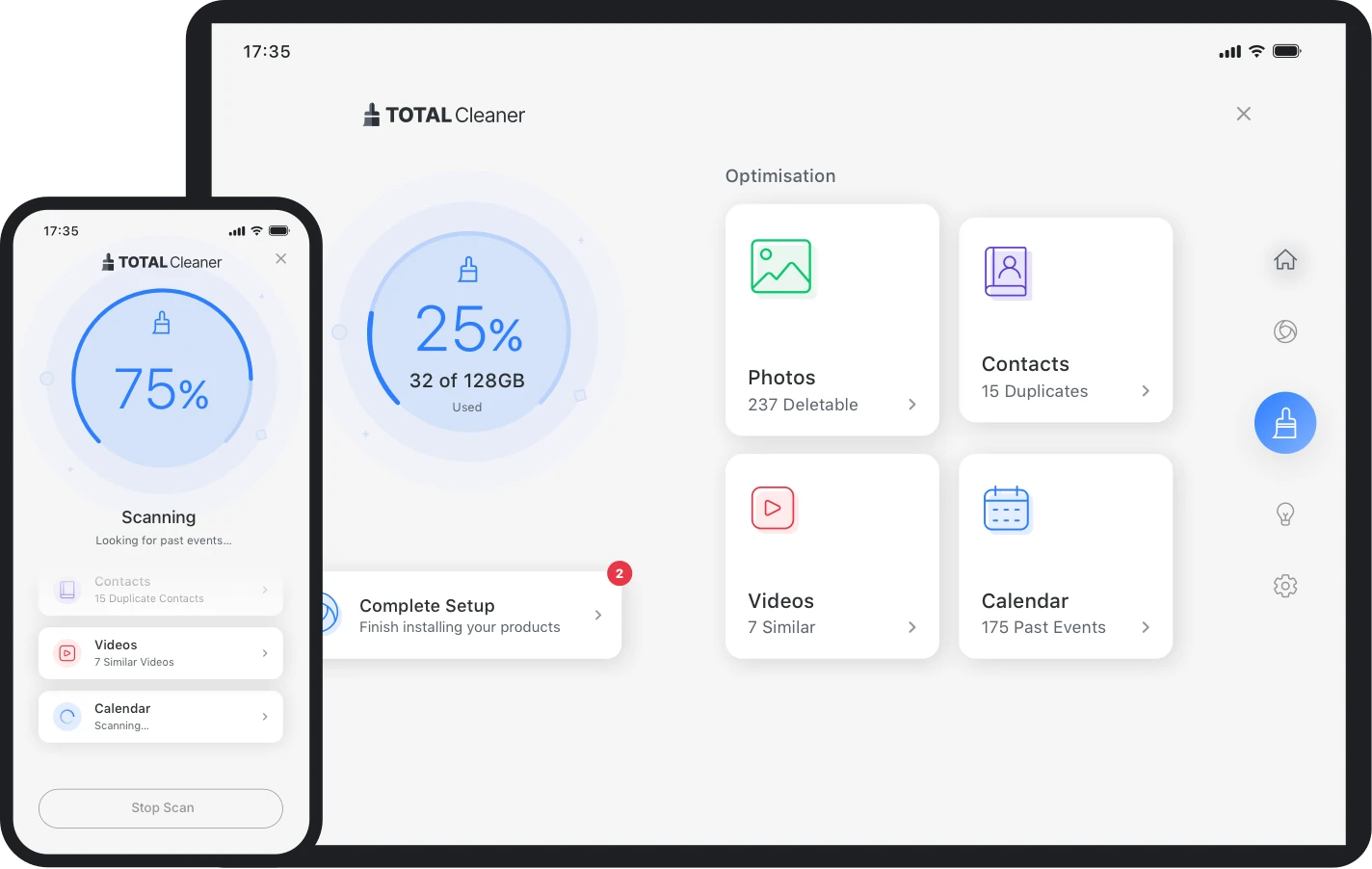
Total Cleaner is software designed to help users identify and remove digital clutter, manage storage, and access device optimization tools. On Windows, available tools include deeper cleanup and performance-focused utilities; mobile features focus more on storage organization. Exact features vary by operating system and plan.
Devices accumulate temporary files, browser data, duplicate content, unused items, and background processes over time. Total Cleaner brings cleanup and maintenance tasks into a more guided workflow so users can review and act on items that may be taking up space or affecting responsiveness.
Scan for junk files, temporary data, broken shortcuts, caches, and other removable items supported by your platform.
Use scheduled or automated maintenance tools where available instead of relying only on occasional manual cleanup.
Review files and media that consume space so you can make more informed cleanup decisions.
Feature availability differs by device type, operating system, version, and subscription.
Tools designed to reduce performance-draining clutter and improve resource use.
Windows-focused cleanup can identify junk files, hidden caches, and broken shortcuts.
Available utilities can help manage startup behavior and memory responsiveness.
Mobile tools can help review duplicate media, junk files, contacts, and calendar clutter.
Total Cleaner follows a familiar device-maintenance flow: identify clutter or optimization opportunities, review the results, apply selected actions, and repeat or automate maintenance where supported.
Access the version available for your supported device and sign in if your plan requires it.
Allow the app to inspect supported cleanup areas such as junk files, cache, startup items, or storage categories.
Check what is selected before deleting files or changing system settings.
Complete the chosen cleanup or optimization actions and use automation only when you understand the settings.
For people who want one place to review common cleanup and maintenance tasks instead of handling them separately.
For users dealing with accumulated temporary data, duplicate content, or limited free space.
For users who want cleanup tools across desktop and mobile, while understanding that features differ across platforms.

Cleaning software cannot fix every performance problem. Hardware limitations, malware, failing storage, overheating, operating-system issues, and demanding applications may require different troubleshooting.
Total Cleaner groups multiple cleanup and optimization functions into a single interface. That can make routine maintenance easier to understand, especially for users who prefer guided scans and recommendations.
Not every feature is available on every platform, and cleanup results vary by device condition.
This site does not claim a fixed speed increase, storage gain, or guaranteed result.
Plans, renewal terms, features, and compatibility should be confirmed before purchase.
| Criteria | Total Cleaner | Manual cleanup |
|---|---|---|
| Workflow | Centralized scan and maintenance interface | Separate operating-system and app tools |
| Automation | Available for some maintenance functions and plans | Usually requires manual scheduling or system settings |
| Learning curve | Guided recommendations can simplify routine tasks | Requires knowing where cleanup tools are located |
| Control | Users should review scan results before applying changes | Users choose each cleanup action directly |
| Cost | May require a paid subscription for full access | Many operating-system tools are included at no extra cost |
Exact pricing was not supplied for this website. Use the destination site to review the current plan, billing period, renewal terms, feature access, and refund conditions.
Confirm the offer that applies to you before checkout.
Windows supports the broadest set of Total Cleaner utilities. Mobile versions focus on storage and organization. On macOS, functionality is provided within the TotalAV app according to current product information.
Compatibility reviewed August 8, 2026: Windows 7+, iOS 12+, Android 5.0+, and macOS with functionality provided within TotalAV. Features can vary by platform.
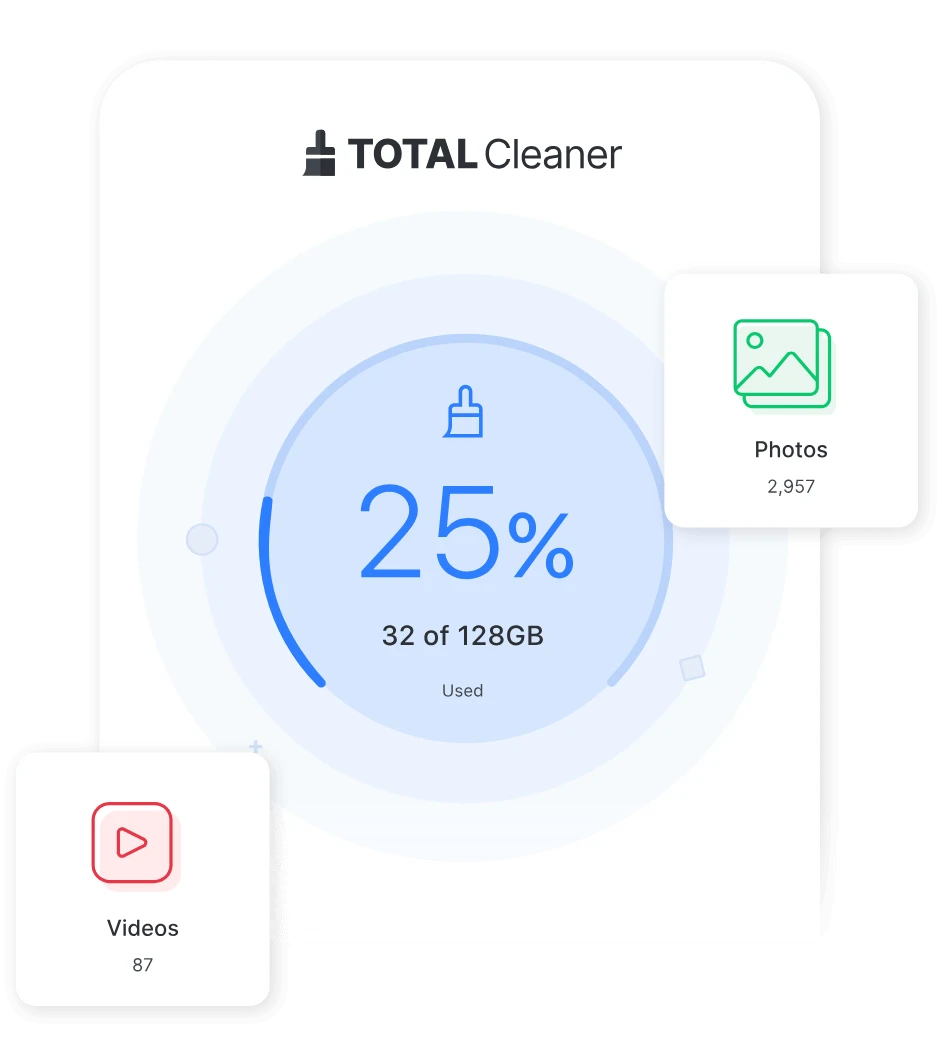
Yes. Total Cleaner includes Windows cleanup and optimization tools, along with mobile cleanup features. The exact toolset depends on the platform.
No fixed improvement can be guaranteed. Removing clutter or adjusting startup behavior may help some devices, but results depend on the underlying cause of slow performance.
Use the current-offer link on this website and verify the plan details, renewal terms, and included features on the destination page before purchasing.
A practical checklist for reviewing temporary files, downloads, browser data, and cleanup tools.
Read guide →Understand core features, platform limits, and what to verify before installing.
Read guide →Why unofficial APK files need caution and how to verify a legitimate mobile download.
Read guide →